
Scribely FAQs
Alt text (alternative text) is a concise written description that communicates the purpose and meaning of an image. People who use assistive technologies, such as screen readers or keyboard navigation, rely on alt text to understand and engage with visual content on the web.
Alt text is a core requirement of the Web Content Accessibility Guidelines (WCAG) and is recognized by accessibility laws and regulations worldwide. High-quality alt text provides a true text equivalent of the image, going beyond naming what appears in an image to explain why the image is present and how it contributes to the user’s understanding of the page.
Good alt text is concise, specific, relevant, and helpful. It focuses on what users need to understand rather than repeating surrounding text or stating the obvious.
Effective alt text explains the purpose and meaning of an image within the context of the page, giving people who use assistive technologies full access to the content. It translates visual information into words and completes the story the page is telling.
The best way to approach alt text is to imagine describing the image to someone who cannot see it. If the image is funny, explain why. If it is beautiful, describe what makes it meaningful. If it is informative, clearly communicate the information it conveys.
Alt text and extended descriptions serve complementary purposes. Alt text provides a brief, essential description and is sufficient in most cases.
Extended descriptions are only needed when alt text cannot convey all meaningful visual information, such as with charts, diagrams, maps, or detailed illustrations. In these cases, alt text serves as a summary that directs users to the extended description, which builds on the alt text without repeating it.
Together, they ensure users can access both simple and complex visual content and choose how deeply they want to engage.
Decorative images are visuals that serve a purely aesthetic purpose and do not add meaning, information, or functionality to a page. Examples include background textures, ornamental dividers, decorative icons, or stylistic flourishes. Users do not need access to these images to have an equivalent experience of the content.
In these cases, the image should use a null alt attribute (alt="") so assistive technologies skip it. This prevents unnecessary interruptions for screen reader users and aligns with WCAG requirements.
Note: Labeling images as decorative is a common accessibility error. If an image conveys information, supports understanding, reinforces content, or performs a function, it is not decorative and requires meaningful alt text. Failing to describe such images is an accessibility violation.
Not without process and programming. Think of AI on it’s own as a bright, eager intern that is fast, but doesn’t have the experience and lacks the context to understand why an image matters to your specific audience. It can tell you what is in a picture, but it often struggles to explain the picture's purpose.
To use AI to draft alt text you have to enable workflow that establishes context understanding, structured reasoning, and feedback capability. A good AI alt text tool should have programmatically established these key tasks as part of the solution to guarantee quality.
To really know what’s going on, you have two main options: a manual spot-check or a full audit.
For a quick manual check, you can right-click an image on your site and select "Inspect" (or "Inspect Element"). This opens a panel showing the code "under the hood." You are looking for the alt="..." tag.
However, checking every single image one by one is tedious and leaves plenty of room for error. Most teams prefer an automated scan to get a baseline of their accessibility health quickly.
The easier way: If you want to check your whole site in seconds without digging through code, you can use our Alt Text Checker. It scans your pages to identify missing descriptions, and low-quality alt text instantly.
Search engines are incredibly smart, but they are limited when it comes to understanding visual content. They rely on your alt text to understand what an image shows and how it relates to the rest of your page. High-quality descriptions allow your images to show up in Google Image Search and help verify the overall topic of your article, boosting your SEO (Search Engine Optimization).
What about AEO (Answer Engine Optimization)? This is becoming just as important as SEO. When users ask questions to voice assistants (like Siri or Alexa) or AI chatbots (like ChatGPT or Gemini), these tools scan content for direct answers. Clear, descriptive alt text helps these "answer engines" find and cite your content.
- Weak Alt Text: "A male model shown from the torso down wearing dark olive green, slim-fit pants and chunky black and cream sneakers against a plain white background."
- Strong Alt Text: "Front product shot shows a tapered pant with two front hand pockets in a muted, earthy olive brown color. The model has a trim A-line physique with toned legs. The material falls softly away while still following the shape of the body, with some space through the hips and thighs."
Improving your alt text is one of the easiest "quick wins" for boosting your site's discoverability.
The most challenging images to describe are those that contain complex or detailed information, subtle meaning, or multiple layers of content. These include:
- Highly detailed or information-dense images – full-page infographics, complex charts, maps with many data points, or diagrams with intricate labeling.
- Nuanced or artistic images – photographs, paintings, or illustrations where the intent, mood, or style contributes to the meaning, especially if the artist’s context is not provided.
- Images that lack context – visuals whose meaning must be inferred, such as abstract art or symbolic imagery.
- Technical images – scientific diagrams, chemical structures, engineering schematics, or math equations embedded in images.
- Composite images – collages or grouped images in a single file, where multiple elements each carry meaning.
- Text-heavy images – screenshots, posters, or charts containing important text.
- Dynamic or interactive images – charts or visualizations that rely on motion, layers, or interactivity to convey meaning.
Yes, videos require multiple forms of accessible content to ensure all users can access the information and experience the video.
- Captions provide a text version of the audio and are essential for people who are deaf or hard of hearing.
- Audio descriptions provide spoken descriptions of important visual information for people who are blind or have low vision. These descriptions are added during natural pauses in the audio or in extended edited pauses when needed. They cannot be included in captions, since users who rely on audio cannot see them.
- Descriptive transcripts serve as a complete text alternative to the video. They include dialogue, speaker labels, sound effects, and descriptions of visual content, giving users full access to both audio and visual information.
Together, captions, audio descriptions, and descriptive transcripts ensure that videos are accessible to users with a range of needs and preferences.
Scribely is committed to providing guaranteed WCAG conformance for images while prioritizing quality, equal access, and full participation for all users. Our expert writers create high-quality descriptions and determine the appropriate level of detail, from decorative images to those requiring extended descriptions. We perform a thorough contextual analysis to ensure each description provides a true text alternative. We work with clients who share our commitment to quality and want the best experience for their users. By following our process, clients can be confident that images reviewed and described by Scribely meet WCAG standards and contribute to inclusive digital experiences, always putting the user’s experience first.
What we do
From websites and media campaigns to image libraries and data systems, Scribely offers description services to meet your needs.
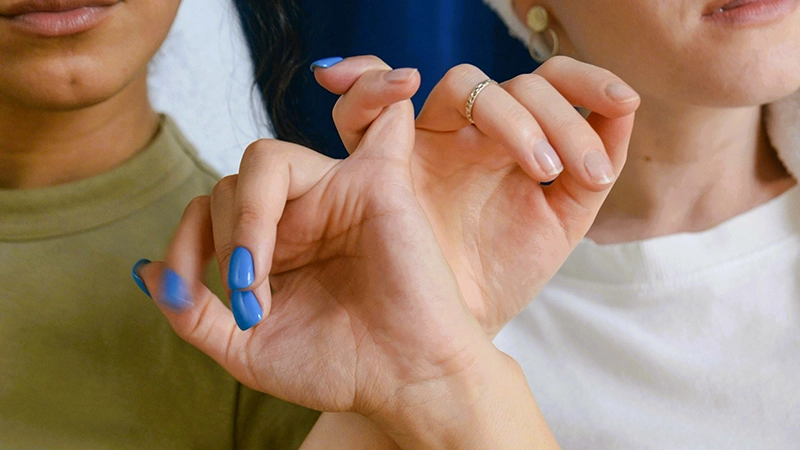
Image Description
Close-up of two people seated side-by-side, locking their pinky fingers together in a pinky swear.
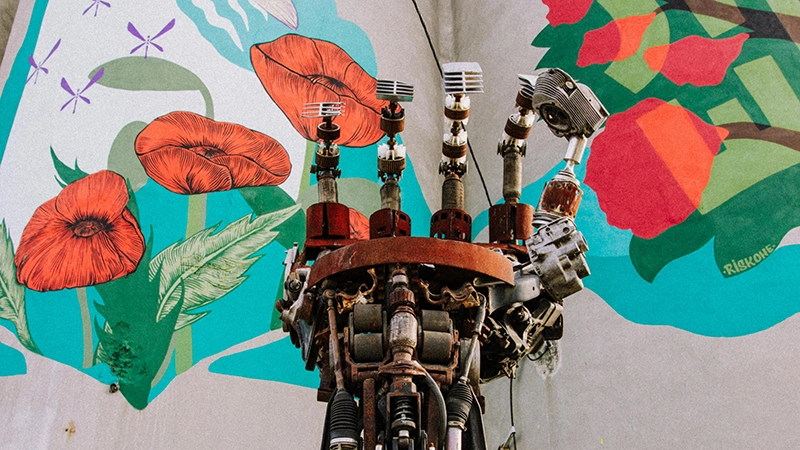
Image Description
A mechanical humanoid robot hand, with visible internal gears, reaching upward against a vibrant, hand-painted background of colorful poppies and green ferns.
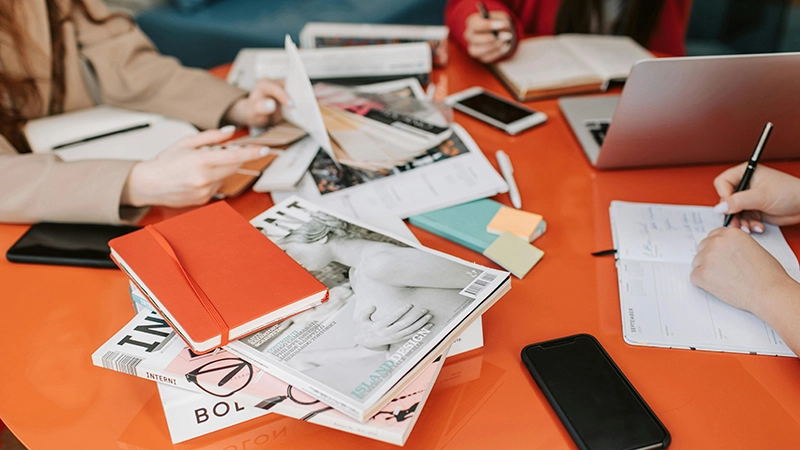
Image Description
Three creatives at work collaborating around a bright orange desktop covered in photographic prints or graphic designs, utilizing laptops, smartphones, and notepads.
Alt Text Checker
Drop a URL and scan for common alt text issues. Download a report and get organized on next steps to making your images accessible.
Alt Text Checker